Pages - Menu

Showing posts with label Stackables. Show all posts

Monday, 23 March 2015

Day 82 of 365 Day Challenge

I bought myself a a no-name brand x12 telephoto lens for my iPhone 6 and had my first opportunity to use it today. I didn't have huge expectations of it but I have been hankering after one for a while and it is not always easy to get top quality iPhone accessories in Hong Kong unless they are produced by Apple.

I was down by the City Hall and opposite they have some massive tents up for an exhibition. There were men harnessed to the tops getting ready to give it a wash. So I set up my little tripod which comes with the lens and iphone cover and took a couple of pics. I found it quite difficult to get the focus right on the lens at such a distance. My eyesight isn't the best anymore and I perhaps needed some reading glasses to do it better. I also took some pictures of the tents without the lens and in the end I choose the picture that was taken at a distance as the composition was better. The telephoto lens brought the subjects in just a fraction too close so I couldn't get the whole tent top in as well as the man on the harness. Anyhow I have included both.

Apps: Hipstamatic, Enlighten, Stackables (Repix instead of Stackables for the second picture)


Friday, 13 March 2015

Day 72 of 365 Day Challenge

I took a friend from the UK to Sham Shui Po market today. It's a fascinating place full of little stalls which specialise in particular items. For example there is one stall that just sells second hand remote controls and another that sells second hand drills. The streets too are specialised with one street full of fabric and another dedicated to beads and buttons. The food markets are particularly interesting with some of the meat and fish stalls probably not suitable for the squeamish.

You also see some interesting characters there so this is today's picture. A old man in traditional old dress. It was taken with Hipstamatic and altered using Snapseed, Superimpose, iColorama and the grungework was done in Stackables.


Saturday, 7 February 2015

Thursday, 5 February 2015

Day 35 of 365 Day Challenge

Today's Picture: Model Mania
Wow, now for something completely different. Yesterday was a day of rushing around in the city getting things done and photography was the last thing on my mind. I got back home with 3 measly pictures compared with the over 130 I had taken the day before!

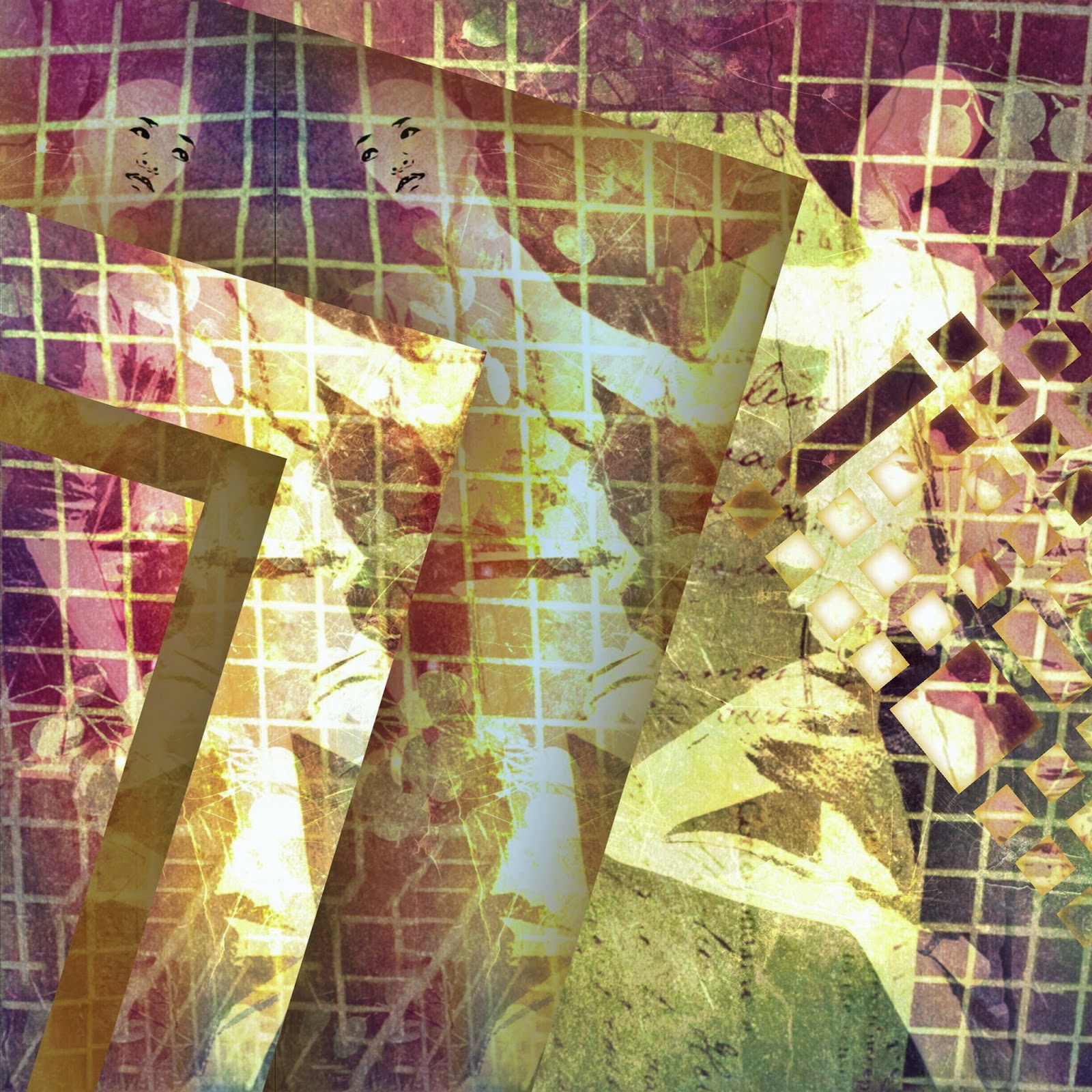
One of the three pictures was of a seamstresses' mannequin which was, of all places, in the ladies loo of a quirky coffee shop. I had taken pictures of quite a few dummies in the windows of shops at the mall the previous day and decided to create an abstract picture. I ended up using three pictures I took the day before and the mannequin I took today:

Looking at the pictures you would probably wonder what you could do with such a mottley lot. Well, I started off cropping the silver tree display and the mannequin and combining them in iColorama using the Effects>Mixer option and then taking it into Stackables to apply one of my own texture formulas:

Then I cut out two of the dummies from the first picture using both Photoshop Touch and Superimpose. In Photoshop Touch I then applied the Old Photocopy effect. Back into Stackables where I edited the Time Travel formula adding a further layer of blue:

Back into iColorama to use the Mixer again and combine the last two images. This is when I cut out the face of the lady in the coffee shop using Superimpose and applied Edges and Coherence to the face in iColorama to get a smooth black and white face. Back to Mixer to add the face to the first dummy.  I made some small changes in Repix but it still looked a bit plain so I took it into the app, Fragments, and added two fragments. Final tweeking in Snapseed. Phew.

Tuesday, 13 January 2015

Day 13 of 365 Day Challenge

It's a miserable day outside and I don't intend to go out so what to do about my daily iPhone picture??

Well, we have a magnificent view from our apartment and I guess this will be the subject of many of my day challenges this year so the secret is to make it interesting.  While trying out loads of shots I noticed that the window in our bedroom is steamed up with the cold and rain so I decide to make use of this. I am using the camera app VividHDR for the first time so experiment with a couple of the options and the best turns out to be Dramatic HDR.

Once I have taken the picture I bring it into Snapseed and Crop it and Tune it a bit. Then into Stackables and layer it with the layers Ancient Sky and Sundance. Finally, I take it into iColorama to add a vingette. I find the Preset>Border, border #3 with lowered radius and opacity has become my favourite vingette for finishing off a photo.

So here it is:
Window to the World