Pages - Menu

Friday, 2 August 2013

Flowers for Photo Art Friday

I haven't taken part in Photo Art Friday for a while but when I saw it was flowers, I thought I just had to submit a picture as my hubby had taken some great pictures of the flowers in our garden.

So here is my submission:

And here is how I did it.


  1. I copied the background layer (ctrl+j for PC or cmd+j for Mac)
  2. I then set the foreground colour to #c1a567 and the background to white.
  3. With the copy selected, I went to the filter gallery and choose the Stamp under Sketch and changed the Light/Dark balance so that most of the flower and leaves were beige.
  4. I then changed the blending mode of this layer to Pin Light and set the opacity to 83%.
  5. Pen and ink layer:  I made another copy of the background and went to Filter>Sketch>Pen and Ink.  I put the detail up to 1 with a little width and contrast and put the fill down to zero so that it was just a black outline on white.
  6. I then went to the magic wand tool selected a white area and deleted the white.  I set the opacity of this layer to 60%.
  7. I brought in the free texture, Sky Love, from Pixel Dust Photo Art and set the blending mode to Color Burn and the opacity to 72%.  I put this layer just below the pen and ink layer.
  8. Finally I added a levels adjustment layer and lightened the whole image a little.

Thursday, 1 August 2013

Andy Skinner's Book of Secrets

Finally finished my 'Book of Secrets' or in this case Box of Secrets.  I see Andy's starting a new course on the 9th August 2013.

Had such fun doing this box and have a couple more in mind....
Also thought it fitted in well with this week's theme of time on Inspiration Avenue.

Sunday, 28 July 2013

Mixed Media Artist Andy Skinner

Went on a fab course yesterday at The Stamp Attic with Andy Skinner.  We did various techniques for distressing and applying images to boxes using DecoArt products.  With the red box we applied a distressed image and further distressed the edges; in the second box we applied Traditions acrylic paints to get a vintage look and in the final box we transferred an image to the painted, distressed and crackled surface that we did.


In my next blog I will show you the box I made in Andy's amazing online workshop The Book of Secrets.

Friday, 19 July 2013

PSE Selection Videos

I have added all my Photoshop Elements selection videos to YouTube.  If you want to know when to use each type of selection method, watch the six videos and you will have a clear idea by the end which selection to use when you are editing your own photos.

Here are some of the photos that I used in the videos.  The mask I use in video 3 is by Shadowhouse Creations:


Monday, 15 July 2013

Monday, 8 July 2013

Gelli Printing on Fabric

Ah now, this is the way to go.  LOVE printing on fabric.

I used some pieces of sheet cotton and Pebeo Setacolors and Jacquard Lumiere.  I occasionally mixed the two types of paints together because the Lumiere gives a lovely sheen.  I also added Pebeo's Setacolor medium which meant my paints went further.

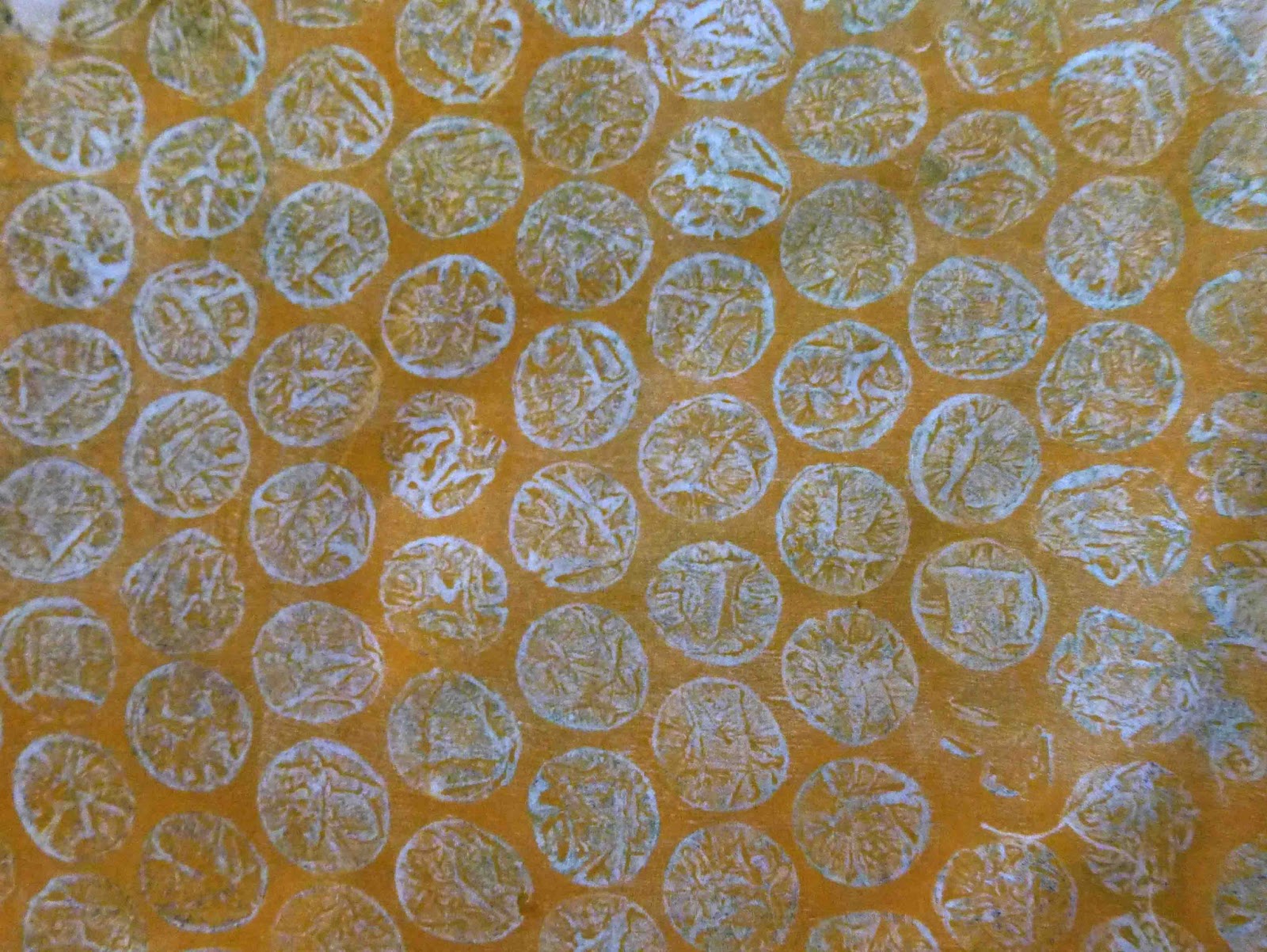
First layer I used textures.  My favourite were a fun foam stamp, bubblewrap (awesome), wallpaper and a grouting tool to make lines:


On the second layer I used positive stencils and some foilage.  Here are my best results:


Finally, I blended some of my not-so-good results with the better results in PSE and came up with these: